openTELEMAC Training
April 16-17, 2026

Why register?
Do you recognize yourself?
- You run environmental hydraulics calculations that don't converge or give inconsistent results: torrential liquid boundaries, poorly configured solvers, obscure error messages... and you spend hours trying to figure out what's wrong.
- You want to switch to an open-source finite element and volume solver to gain technological expertise and reduce your licensing costs, but you don't know where to start or how to structure your first calculations.
- You have trouble interpreting .slf files and solver messages: do the results accurately describe reality? Are there phenomena that are poorly evaluated or simply ignored (tides, salinity, temperature, turbulence, etc.)? Are the results physically consistent?
- You want to go beyond the tutorials and fully master openTELEMAC to adapt it to your industrial cases: automate your calculations, chain several simulations, conduct parametric studies, or integrate the solver into a larger simulation chain.
Why our training in particular?
Theory revisited, immediate practice
Two days of practice backed by a review of the theoretical fundamentals of Saint-Venant equations. Each session is more demanding than the previous one: you progress in concrete steps, from discovery to more comprehensive and better implemented physical models.
From geometry to post-processing: the complete workflow
You will learn how to operate and master the tools (QGIS & Q4TS, Paraview, openTELEMAC) together, just as you would in your daily work. Not just the solver: the entire simulation chain and the use of geographic databases.
Practical trainers, right in front of you
Our engineers and PhDs use openTELEMAC daily on industrial projects at Simvia. In person, they share best practices, pitfalls to avoid, and troubleshooting tips that you won't find in any documentation.
Close supervision
One trainer for a maximum of six trainees during practical work. When you get stuck, an expert is right there with you—not behind a screen shared with 30 other people.
A network, not just training
The inter-company format brings together engineers from different sectors and backgrounds around the same CFD issues. You exchange feedback, compare approaches, and leave with a network of peers who share your technical daily life.
Practical Information
- Date: April 16–17, 2026
- Duration: 2 days
- Schedule: 9:00 AM – 12:30 PM; 2:00 PM – 5:00 PM
- Location: EDF Lab Paris-Saclay
- Language: Oral in French / Materials in English
To ensure an optimal learning experience, each trainer will supervise a maximum of 6 participants.
Training Program
Day 1 – Morning: "Fundamentals"
- General overview of the OpenTELEMAC system and its typical applications
- Theoretical Basics : from Navier-Stokes equations to Saint-Venant equations—understanding the assumptions behind OpenTelemac
- Overview of closure models in Telemac (friction, wind, turbulence, diffusion, advection, etc.)
- The method of characteristics and its importance in Telemac simulations
Day 1 – Afternoon: "Getting Started with QGIS and Telemac"
- Introduction to the files required to run a TELEMAC-2D simulation
Interactive Practical Session:
- Using create_mesh in Q4TS to generate a simple 2D mesh of a watercourse in France
- Interpolating elevation data to define the domain around the riverbed
- Using projection_field in Q4TS to assign a uniform friction coefficient and wet liquid boundaries
- Learning to launch Telemac via a prepared command file
- Visualizing and interpreting simulation results
Day 2 – Morning: "Becoming Familiar with the Telemac Workflow"
- Structure of command files: syntax, reference documentation, interpreting warnings and log messages
- Common Telemac keywords and their meanings
- Brief introduction to Telemac3D and other modules, as well as additional features (tracers, rating curves, tides, etc.)
- Tips for continuing self-training (documentation, Python scripts, notebooks)
- Mini Workshop: Decoding the command file from Day 1
Day 2 – Afternoon: "Towards a Realistic Flood Simulation and Beyond"
Interactive Practical Session:
- Refining the Day 1 mesh with Q4TS by interpolating land use data to estimate Strickler coefficients
- Modifying the command file to simulate a river flood on the refined mesh
- Running the simulation and performing post-processing in Paravis
- Adjusting BOTTOM values to add a dike or retention basin of choice
- Critical analysis: Is the simulation realistic?
If time permits: Coupling with the WAQTEL module to study bacteria propagation in a river with a time-dependent degradation law.
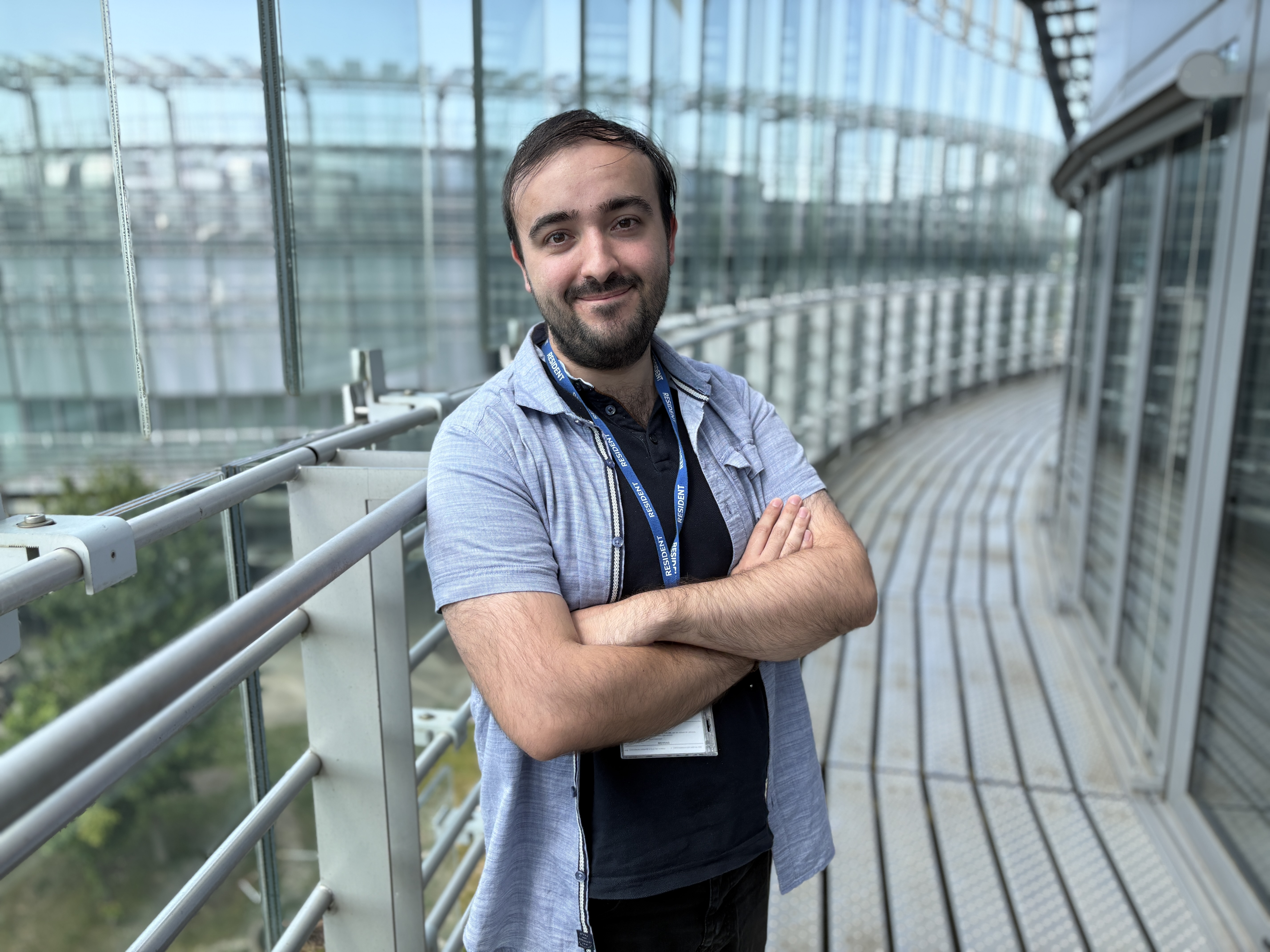
Louis
Haurie
Your trainer
After this training, you will be able to:
Build a comprehensive environmental hydraulics model: find the data, generate a grid and interpolate it in QGIS with Q4TS, and create a liquid boundary file using a methodology that anticipates calculation and modeling issues to be considered.
Configure a realistic model in openTELEMAC: torrential or river boundary, choice of an element core or finite volume, coupling and modeling of different physics (Coriolis, rain and evaporation, tracers, morphodynamics, study of pollutants in aquatic environments, etc.).
Launch, monitor, and diagnose a simulation: reading error messages, solver options for handling advection and diffusion, understanding convergence criteria (CFL, liquid boundaries, etc.), and quickly identifying causes of failure.
Post-process your results in ParaView or Salomé: velocity field, pollutant transport, sedimentation or erosion of the aquatic bottom, etc. Discover the entire domain visualization to analyze hydraulic and environmental impacts (flood studies, effects of hydraulic structures, consequences of dam failures, evolution of heavily polluted areas).
Pricing
Included: lunches, coffee breaks, help installing the latest version of the code, end-of-training certificate...
Frequently asked questions
They trusted us
